Figma comes with a wide range of fonts built in, thanks to its integration with Google Fonts. But what if you want to use a custom or premium font in your design project? The good news is: you can add any font to Figma—you just need to take a few simple steps. Here’s how it works.
Does Figma Support Custom Fonts?
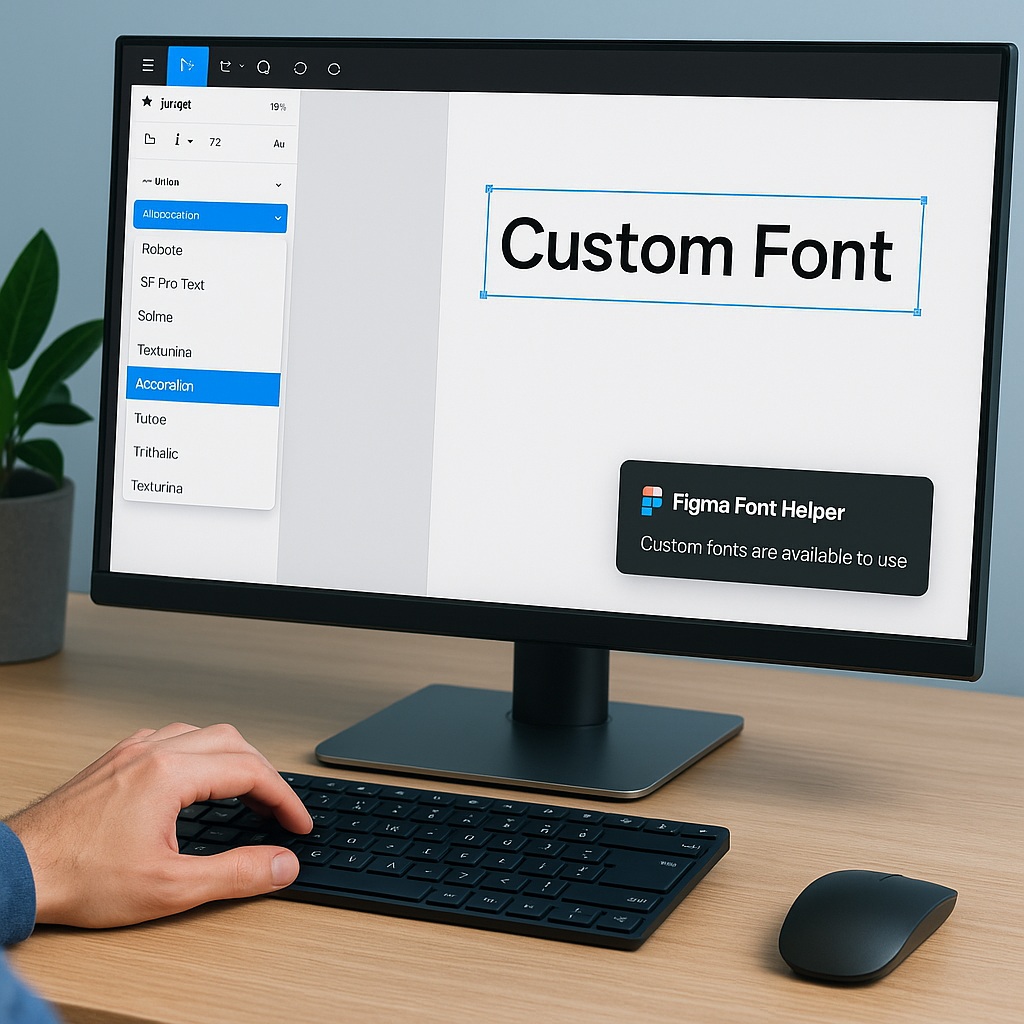
Yes, Figma supports both web-based fonts and locally installed fonts on your computer. However, local fonts only show up for you—they won’t be visible to collaborators unless they have the same fonts installed. To bridge that gap, Figma offers a tool called the Figma Font Helper, which enables your desktop-installed fonts to be used in your Figma projects.
Step 1: Install the Font on Your Computer
Before anything else, make sure the font is installed on your system.
- On Windows: Right-click the
.ttfor.otffont file and click Install. - On macOS: Double-click the font file and click Install Font in the preview window.
Once installed, the font will be available to your operating system—and apps like Microsoft Word, Photoshop, or Figma.
Step 2: Download and Install Figma Font Helper
To use local fonts in Figma (especially in the browser), you’ll need to install a small helper app:
- Go to Figma’s Font Helper download page.
- Download and install the Figma Font Helper for your operating system.
- Once installed, the helper runs in the background and connects your desktop fonts to Figma.
If you’re using the Figma desktop app, the Font Helper is not required—it automatically accesses your local fonts.
Step 3: Restart Figma
After installing the font and Font Helper, restart your Figma browser tab or desktop app to refresh the font list. Now, when you select a text layer and open the font dropdown, your newly installed font should appear alongside the built-in ones.
Important Notes
- Team members won’t see your custom font unless they also have it installed locally.
- Fonts used in shared design files will still render correctly when viewed—but cannot be edited unless the viewer has that font installed.
- If you’re using Figma in the browser without the Font Helper, only cloud fonts will be available.
Can I Upload Fonts Directly to Figma?
No. Figma doesn’t support uploading font files directly into the tool. All fonts must be installed on your computer and accessed via Font Helper (or the desktop app) to be used in designs.
Final Thoughts
Adding a font to Figma is a quick process once you understand the system. Just install the font on your device, set up the Font Helper if needed, and restart Figma. With these steps, you can expand your typography palette and bring your designs to life using any font you like—custom branding, premium typefaces, or even your own creations.

 Designilo