Figma has revolutionized collaborative design by being browser-based and platform-agnostic. Naturally, designers often wonder whether they can carry their projects on the go using an iPad. The answer is: yes, but with important limitations. In this article, we’ll explore what you can and can’t do with Figma on an iPad and whether it’s the right device for your workflow.
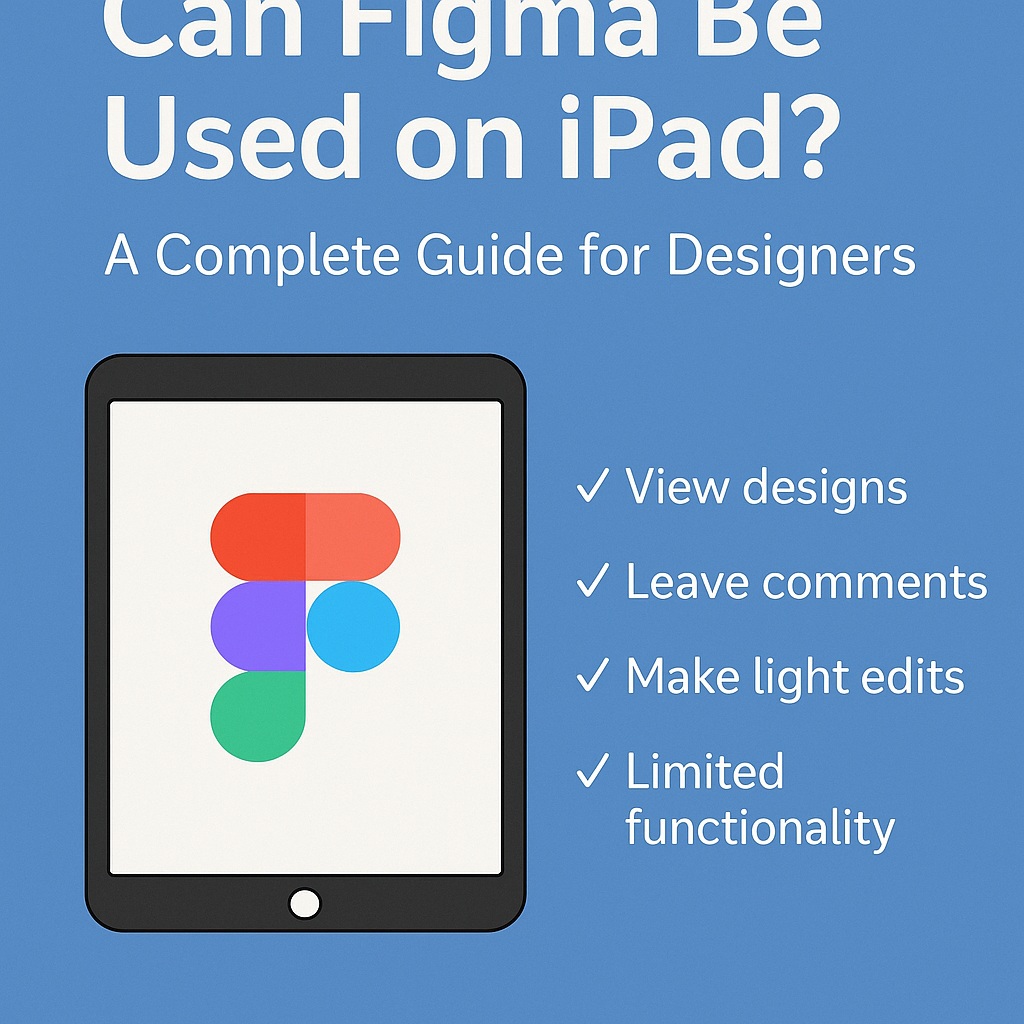
✅ What You Can Do with Figma on an iPad
While Figma doesn’t have a native iPad app for full design capabilities, you can access the platform using the Safari or Chrome browser on iPadOS. Here’s what works well:
- View designs: Easily open files, navigate frames, and scroll through pages.
- Leave comments: Collaborators can view, respond to, and leave feedback using the commenting tool.
- Edit text: You can make light text edits with the touch keyboard.
- Use FigJam: Figma’s whiteboarding tool, FigJam, is relatively touch-friendly and functional on iPad.
These capabilities are ideal for quick reviews, stakeholder presentations, or feedback sessions during meetings.
❌ What You Can’t Do Effectively
Designing on an iPad is not yet comparable to working on a desktop version of Figma. Here are the key limitations:
- No native app for design: Figma’s mobile app is only for viewing, not editing.
- Limited editing tools: Complex shape manipulation, prototyping, and component editing are cumbersome or unavailable.
- Touch gestures are not fully optimized: Selecting multiple elements or using precision tools can be frustrating.
Using an Apple Pencil may help with some navigation, but full interaction parity with the desktop version is lacking.
🛠 Workarounds and Pro Tips
- Use a keyboard and trackpad: Pairing your iPad with a Magic Keyboard improves usability significantly.
- Install Figma as a Progressive Web App (PWA): This gives a cleaner interface without browser tabs, although functionality remains the same.
- Try remote access tools: Some designers use remote desktop apps to access a desktop version of Figma through their iPad.
🧐 Is iPad Right for Your Figma Workflow?
If you’re a designer who needs to review, comment, or present, an iPad works well enough. But if you’re doing pixel-perfect UI work, component design, or animation prototyping, the iPad won’t replace your laptop.
Until Figma releases a fully featured design app for iPad, the device remains a handy secondary screen — not a primary design tool.
Final Verdict
Figma on iPad is a useful companion tool for light interaction but falls short of enabling full design workflows. It’s great for mobile collaboration, but desktop remains king for serious design work.

 Designilo