Investors don’t fund ideas—they fund clarity, traction, and teams that can communicate both. If you’re raising capital, your pitch deck is your first impression. And if you’re building it in Figma, you’ve already chosen the right tool.
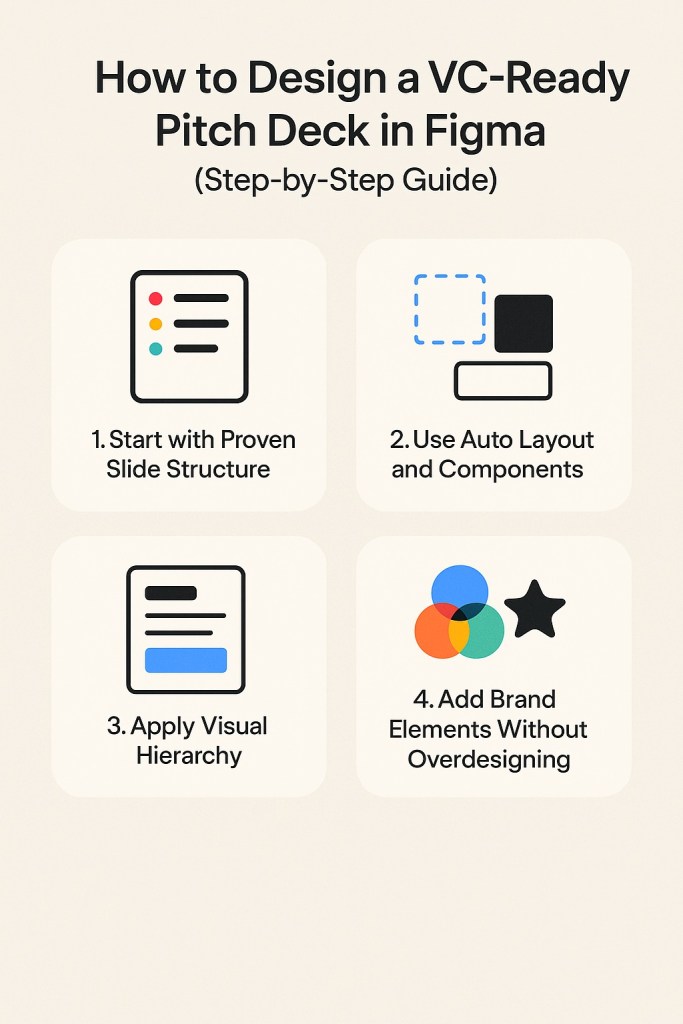
Here’s how to design a VC-ready pitch deck in Figma, step by step:
Step 1: Start with a Proven Slide Structure
Most investors expect a familiar flow. Begin with this core structure:
- Problem
- Solution
- Market Size
- Product Demo or Screenshot
- Business Model
- Go-to-Market Strategy
- Traction
- Team
- Financials
- Ask & Use of Funds
You can use a Figma template or create a frame for each slide using Figma’s “Presentation” preset.
Step 2: Use Auto Layout and Components
Set yourself up for flexibility:
- Wrap slide content in Auto Layout containers
- Use text styles for headings and body copy
- Create components for recurring elements (logos, headers, section dividers)
This allows you to update the entire deck in minutes — especially useful when you’re iterating fast.
Step 3: Apply Visual Hierarchy
Investors don’t read — they skim. Your slide layout must make key takeaways instantly obvious:
- Use bold headings + supporting captions
- Make one key point per slide
- Highlight numbers or insights using color or scale
- Keep body copy minimal: 2–3 lines max
Use Figma’s variables and grid tools to enforce visual consistency across slides.
Step 4: Add Brand Elements Without Overdesigning
- Use your logo, brand colors, and fonts — but don’t let design distract
- Keep backgrounds clean (white or muted colors work best)
- Use icons or illustrations sparingly to support your message
You can create a global style guide within Figma for easy customization later.
Step 5: Export, Share, or Present
Once your deck is ready:
- Export as PDF for email
- Create mobile screen previews using Figma’s device frames
- Present live using Figma’s presentation mode
- Share a view-only link for real-time feedback
Bonus: Create a dark mode version using color modes + variables if pitching in evening events or demo days.
Final Thoughts
Designing in Figma isn’t just a workflow choice — it’s a competitive edge. Investors remember decks that communicate clearly and feel modern. With this guide, you can create a pitch deck that earns trust from the first slide.
Want to skip the setup? Browse our ready-to-use Figma pitch deck templates crafted for early-stage funding and founder storytelling.

 Designilo